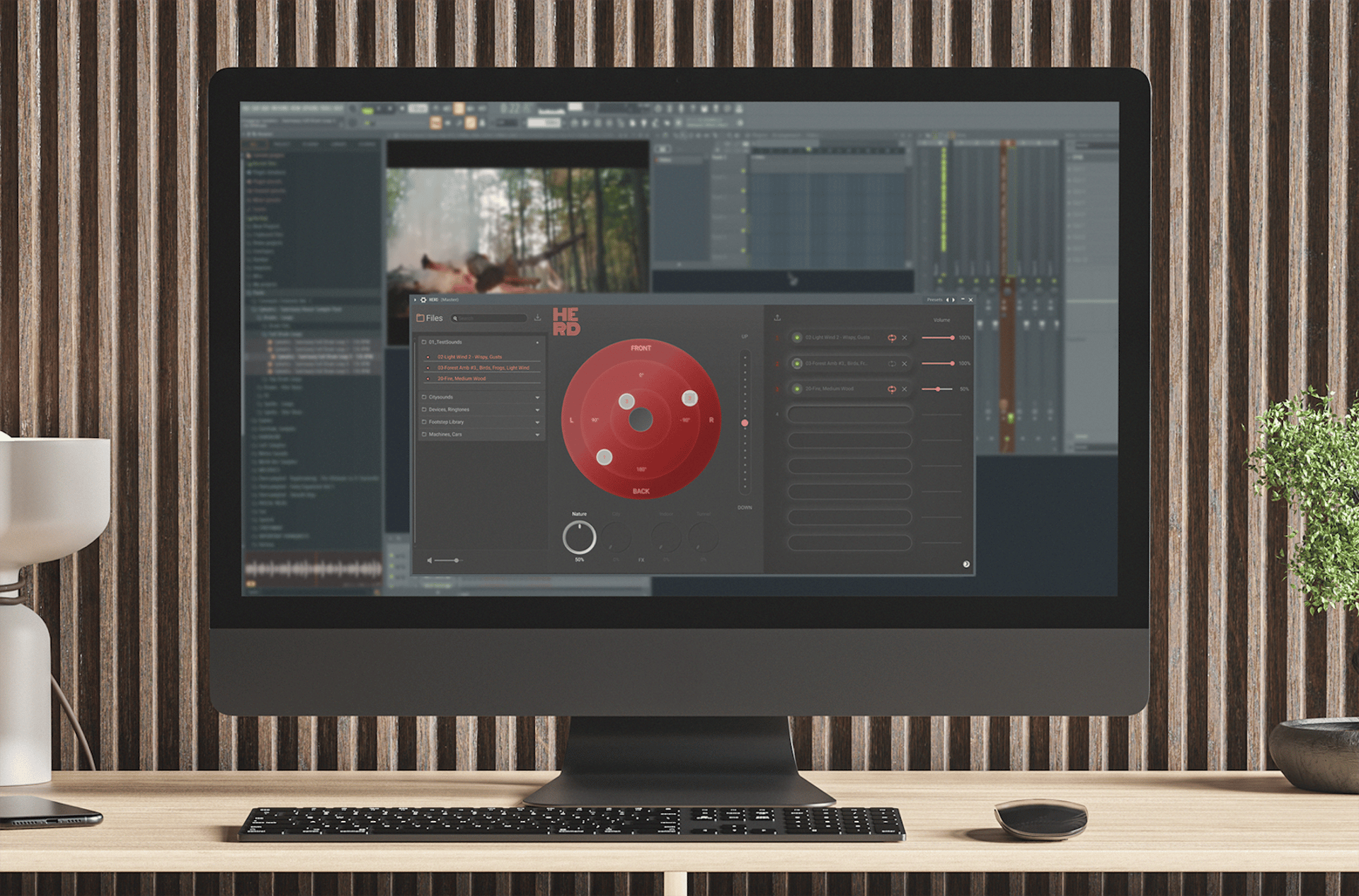
H.E.R.D.
HERD, which stands for
H intergrundgeräusch
E ditor
R adar
D rag&Drop
(GER = Background sound editor radar drag and drop), is a virtual plugin for music software. The plugin itself doesn't exist yet and is an all round concept with focus on interaction design and test availability.
This project was created as bachelor thesis for studying Design at Technische Hochschule Georg Simon Ohm.
Case Study
A problem to solve
Specific but existing: Sound designers can face the issue of tedious work when they pan audio in different directions. HERD is an interface concept of a tool that improves the user experience with its clean and accessible overlay for a quicker session.
The goal is to design a user interface for the new plug-in that is intuitive and easy to use upon opening. At the same time, it should incorporate technical concepts, such as an Orbit, and combine them with knowledge gained from the field of interaction design to create a theoretically usable product.
”Simple enough that, on the one hand, newcomers get to see an easy-to-understand interface, and on the other hand, professionals are catered for by keeping the essential functions displayed.”
Competitive Analysis
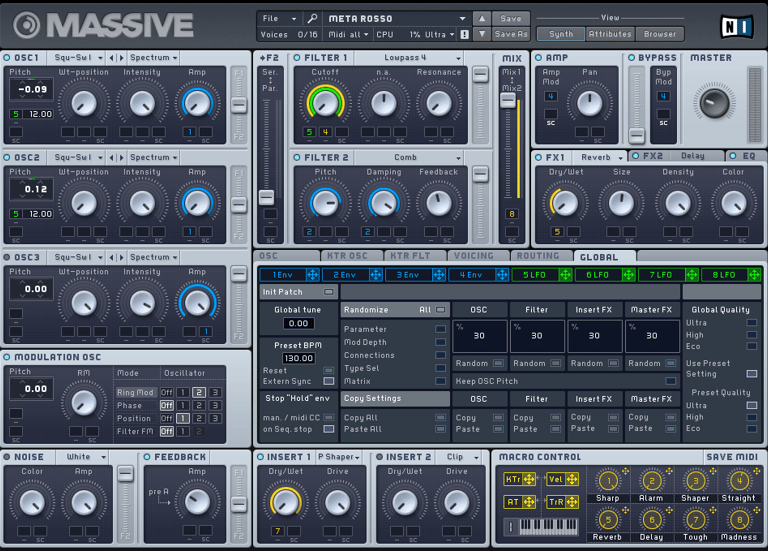
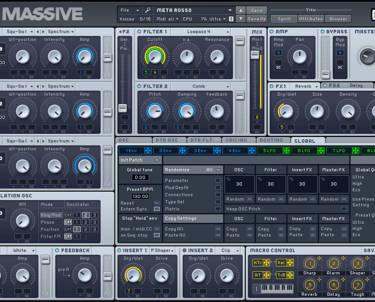
For example, there's the plug-in called "Massive"—a comprehensive virtual instrument from the Berlin-based company Native Instruments.
It's a favorite in the sound designer community, but for users without professional audio engineering knowledge, the sheer number of settings can be overwhelming at first glance, reducing the likelihood of actually playing the instrument.
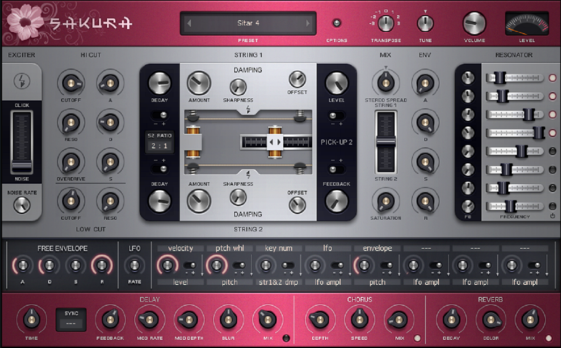
From Image Line, the developer of the DAW FL Studio, comes the plug-in/instrument “Sakura”, a digital sound library for traditional instruments from Far East Asia.
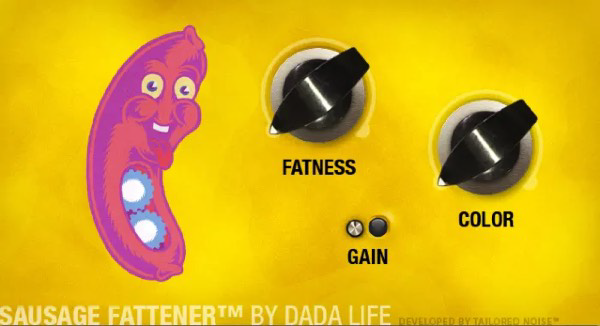
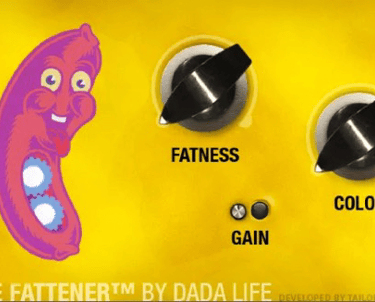
Visually smaller plug-ins, like the “Sausage Fattener,” serve a simple function: adding more intensity to the desired sound. Its playful design livens up the two existing knobs. The higher you turn the knob, the more strained the face of the depicted mascot becomes.
To make operation more appealing, the interface is designed to have an entertaining aspect.
Who is about to use HERD?
This plugin is designed for users who need a quick solution for adding sound to small projects. This includes sound designers, video editors, and 3D artists who don't need extensive DAW expertise.
For example, a user might want to add sound to an animation for a social media post, where a car drifts around a curve from the left and speeds past the user's right ear. This could take a lot of time in a DAW and might not even be possible using the app's editing tools.


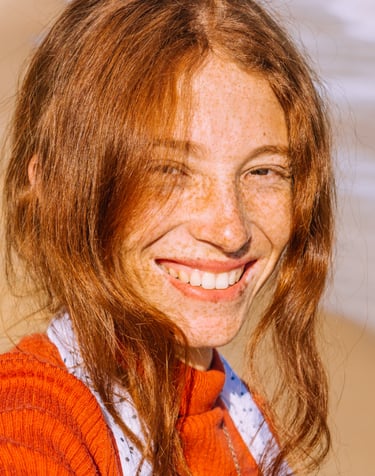
Age: 25
Location: Berlin
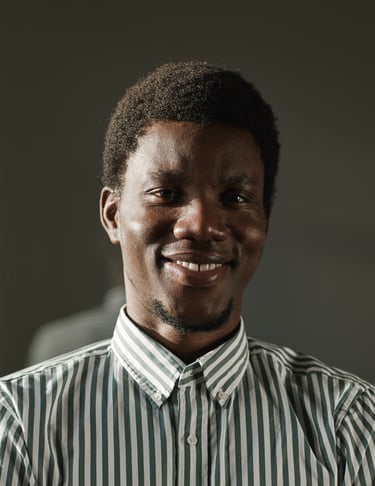
Maren is a 3D artist for an advertising agency in Berlin. Her work focuses heavily on scenes and landscapes. She is currently looking for a way to add sound to her personal animated projects on her social media channel without spending a lot of time. She has little experience with a DAW, and a small plugin designed for straightforward background sound would be perfect for presenting her ideas to other artists for commissions.
Maren Lauter
3D Animation artist
Age: 28
Location: Cologne
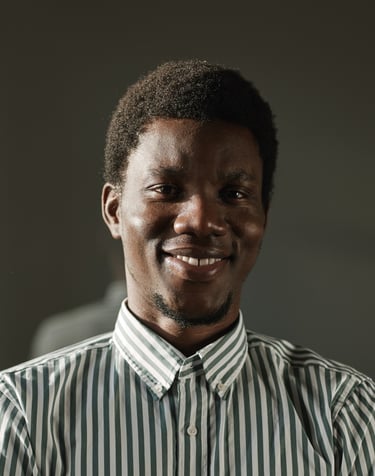
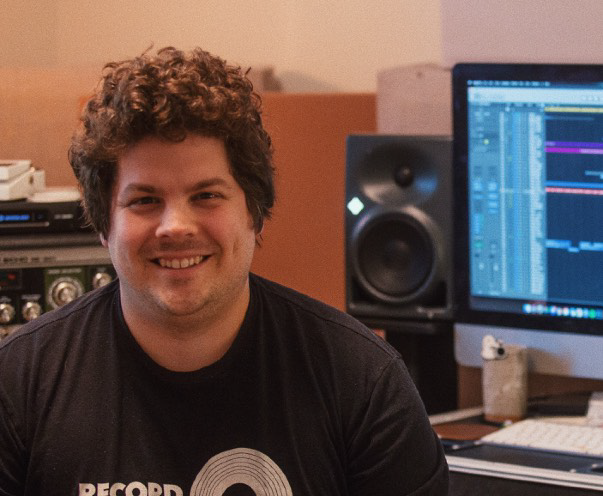
Max works as an editor for television productions in Cologne. Alongside his job, he's developed a passion for creating sound design for videos on YouTube – videos that feature atmospheres and sounds in places like cafes or lounges. Driven by his work and his desire to continue producing these videos in his free time, Max has been looking for ways to streamline his video production process.
Max Moog
SOUND ENGINEER
Lucas Korg
SOUND DESIGNER
Age: 33
Location: Bamberg
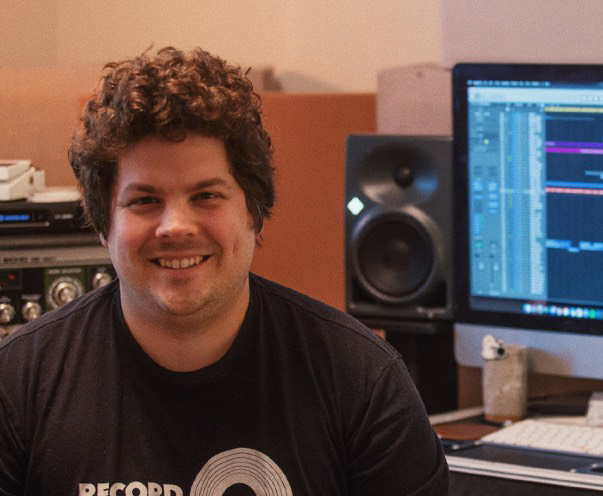
Lucas is a freelance sound designer living in Bamberg. He got into film sound through live mixing and band recordings. Alongside this, he started doing sound design for his girlfriend's film productions, which he did more and more of, eventually leaving live mixing behind and dedicating himself entirely to film.
The personas
To gain a clearer understanding of the needs of potential users, it's helpful to create a persona.
"In the design thinking process, this persona serves as a mental projection screen for developing new ideas: 'Who am I developing this for...?'"
User stories conclusion
Due to her lack of experience with DAWs, it might be important for Maren to avoid technical audio terminology in the plug-in.


As a technically oriented sound designer, it is important to Lucas to be able to see all functions at a glance and to keep the interface simple.
Since Max probably uses a wide variety of sounds because of his videos, the function to import your own sounds into the sound library is a good option.


First drafts
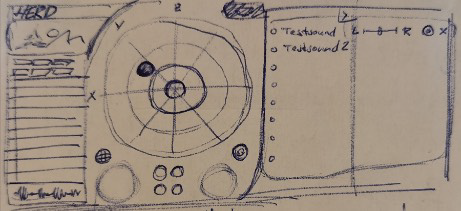
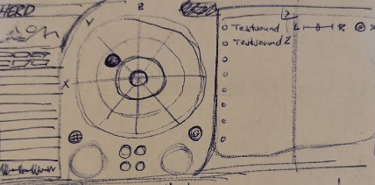
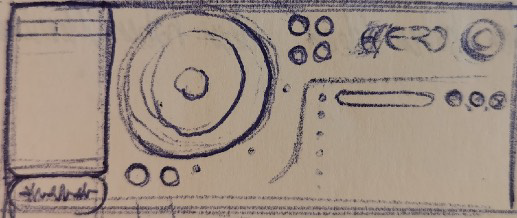
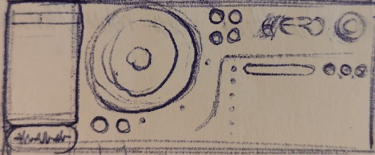
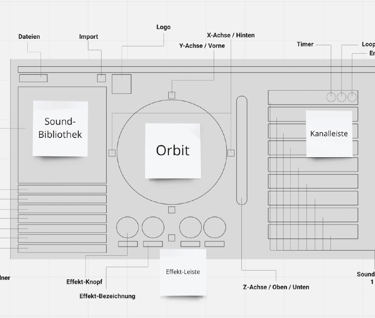
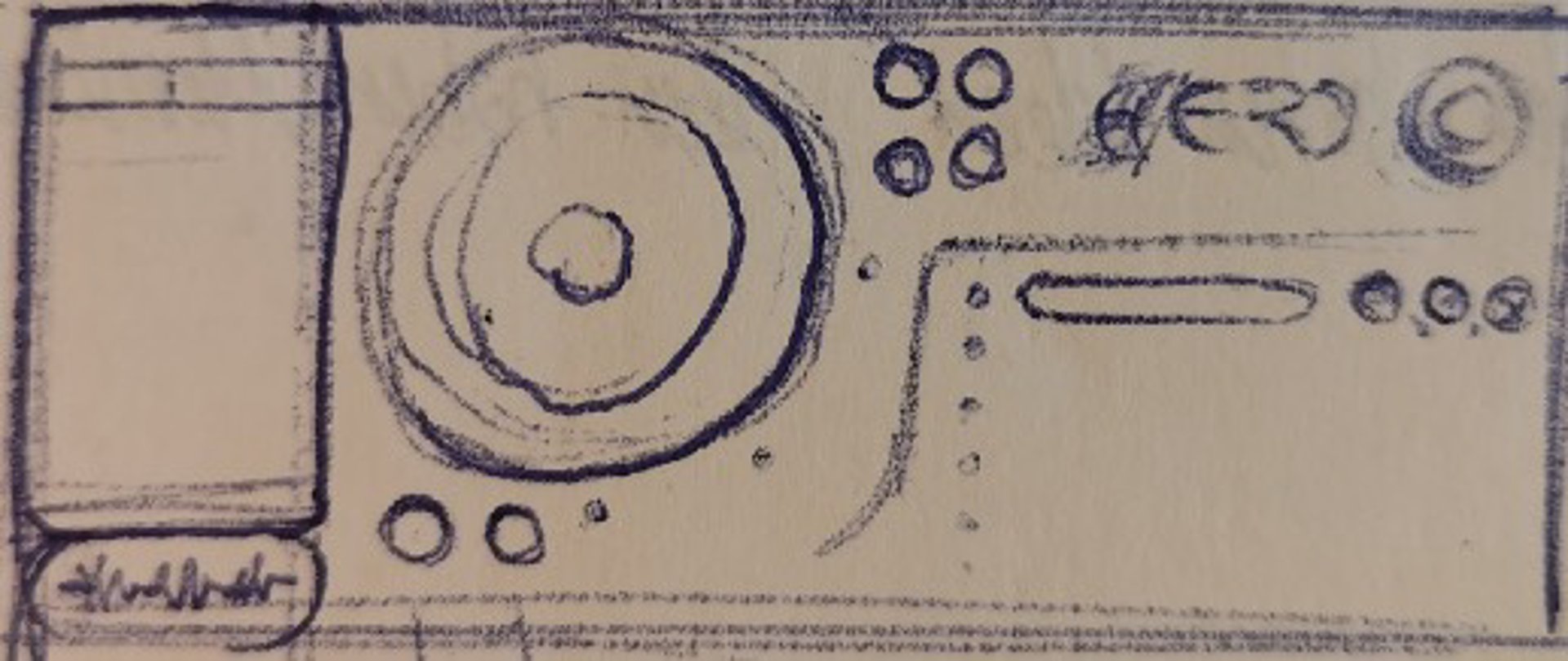
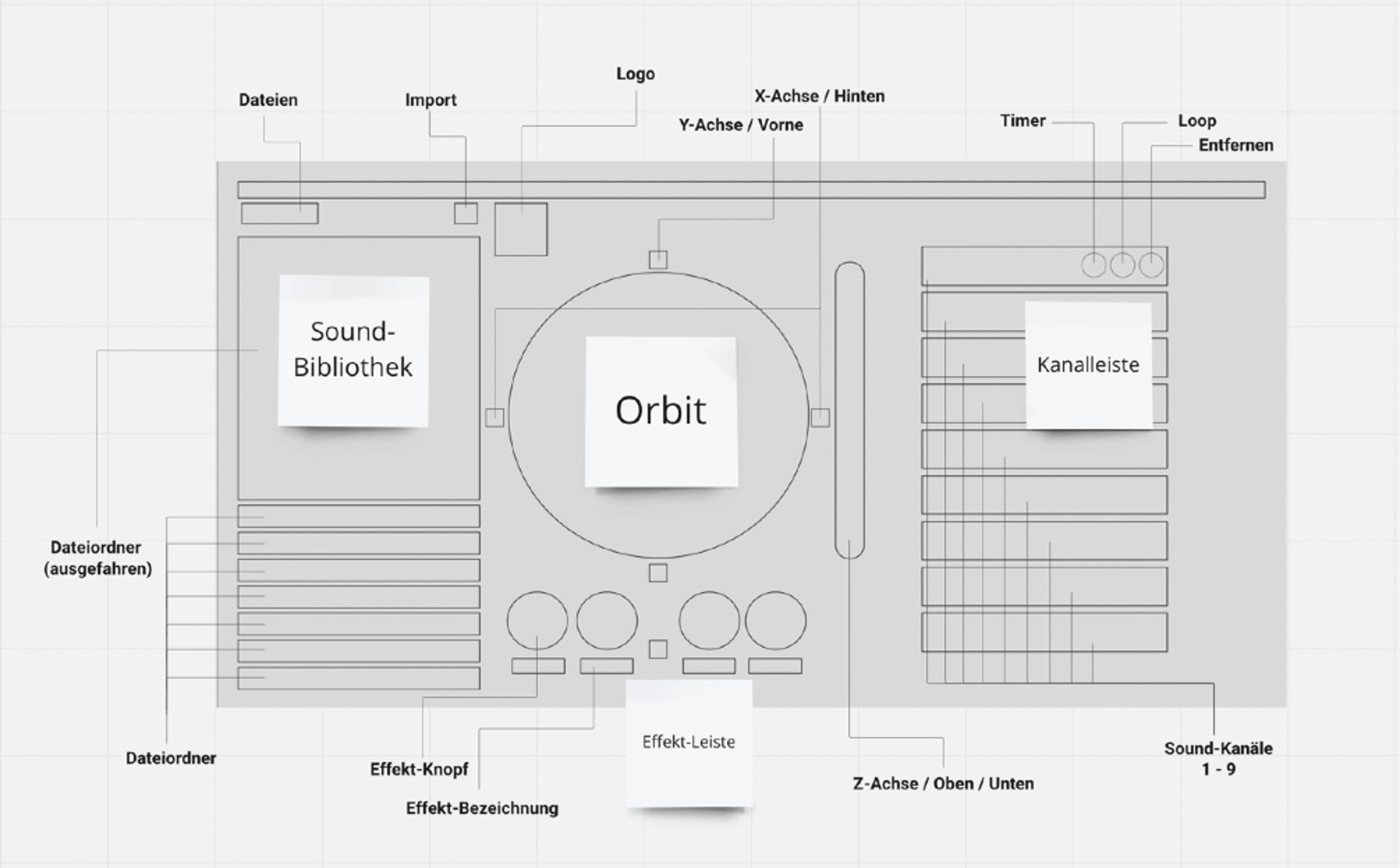
Besides the list of all technical elements, the plugin should offer, I've created scribbles in the first place to sort them. Aligning all components gave me a good understanding of the hierarchy, which one will be most important = becomes the biggest one.
The channel bar has been made more compact and includes functions such as mute, duration adjustment, and delete. The grid in the Orbit control has been removed to make it less intimidating and can be toggled on and off with a button. Instead of large knobs, there was consideration of placing the four effect controls in a grouping in the upper right corner next to the Orbit control.
Design Trends
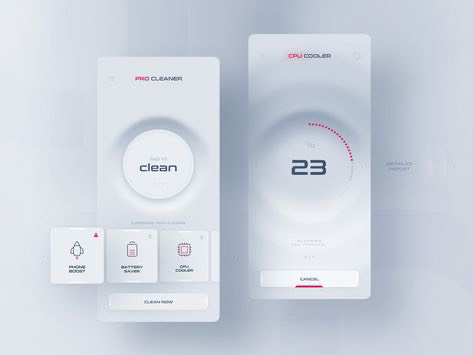
Since the interface should be as simple and minimalist as possible, the search fell on Neumorphism, a 2010s trend in web design that gained new attention and wider popularity in 2020 through the then new website [dribbble.com].
Neumorphism
In this example image, the gradations in the background can lend more character to the plug-in interface, as they are layers, yet the low contrast prevents them from being visually too far apart. This ensures that the product's core function is not distracted. Furthermore, the color palette is limited to a single signal color, resulting in an even simpler look.
H. E. R. D.
The term “mise en place” comes from French and refers to the process of preparing all the utensils and ingredients before cooking.
In this case, it refers to the sounds of placing items on the stovetop.
Imagine cooking, tasting, adjusting a few knobs, and the dish is ready.
That's why the plugin is named:
H intergrundgeräusch
(background sound)
E ditor
R adar
D rag&Drop
translated: STOVE
Like the stovetop on which the pot sits. The name is short and memorable.
Prototype
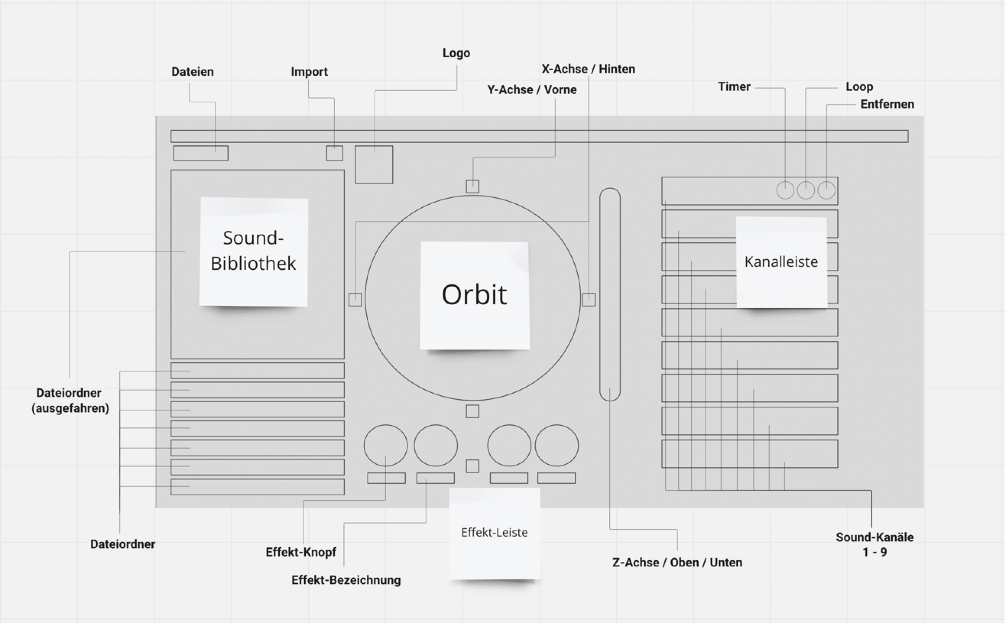
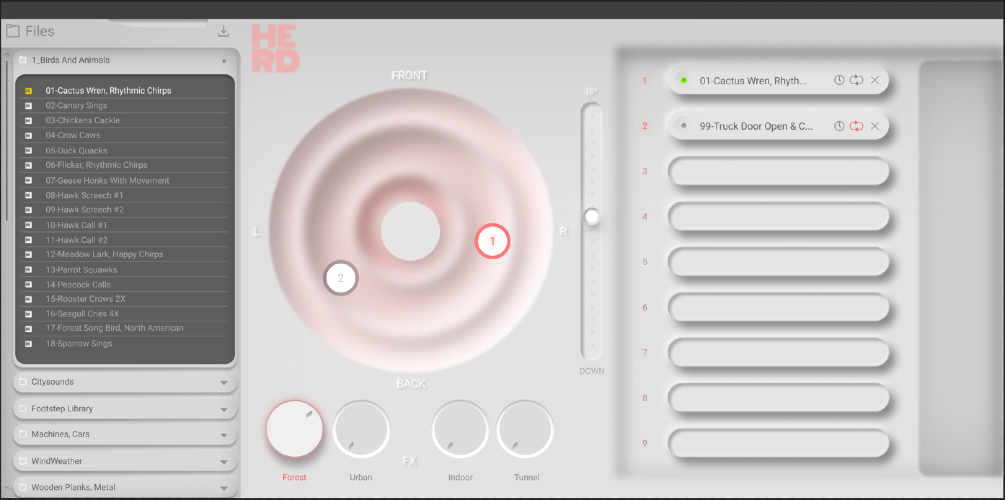
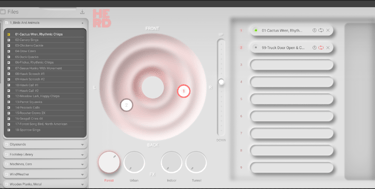
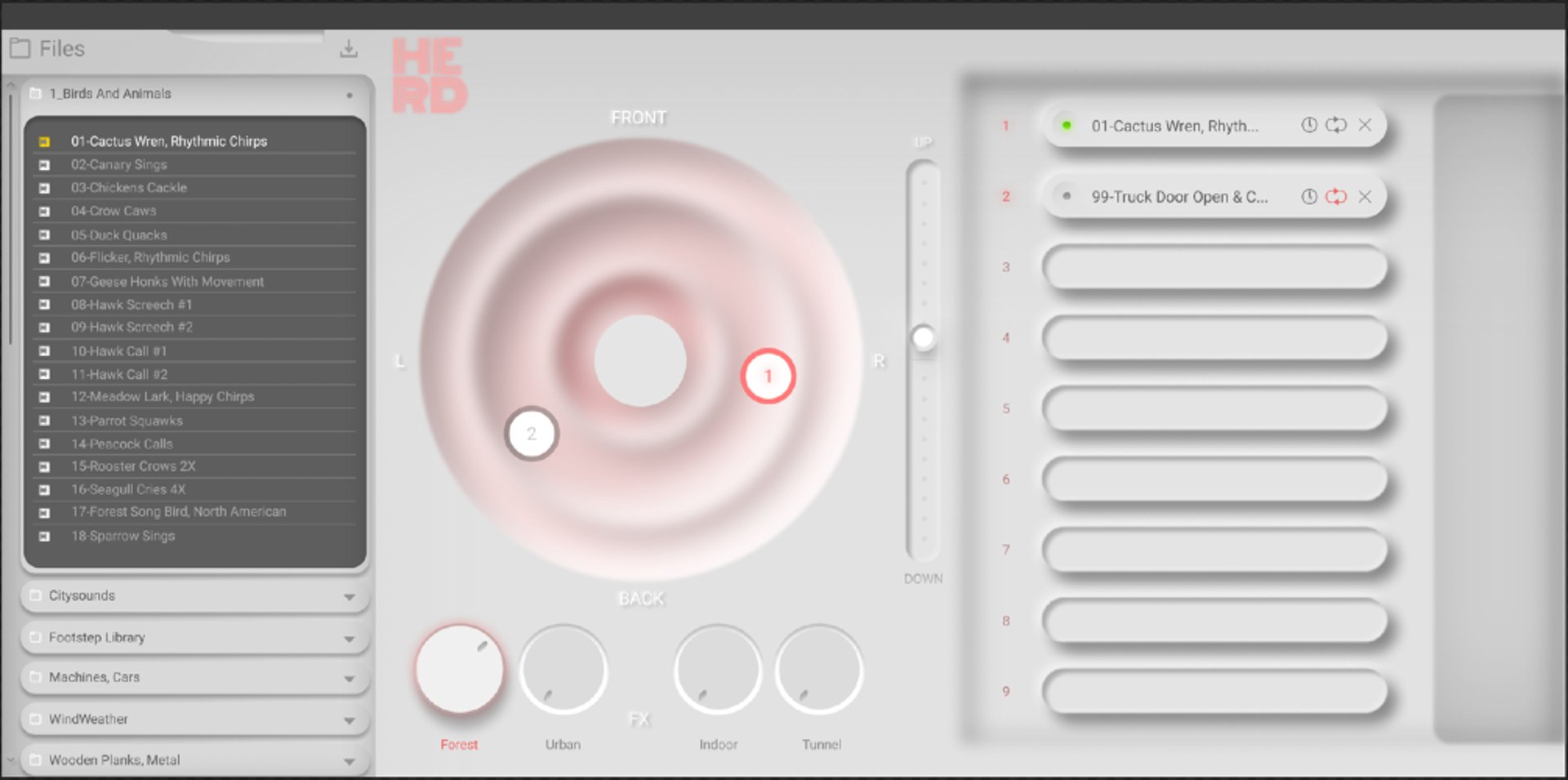
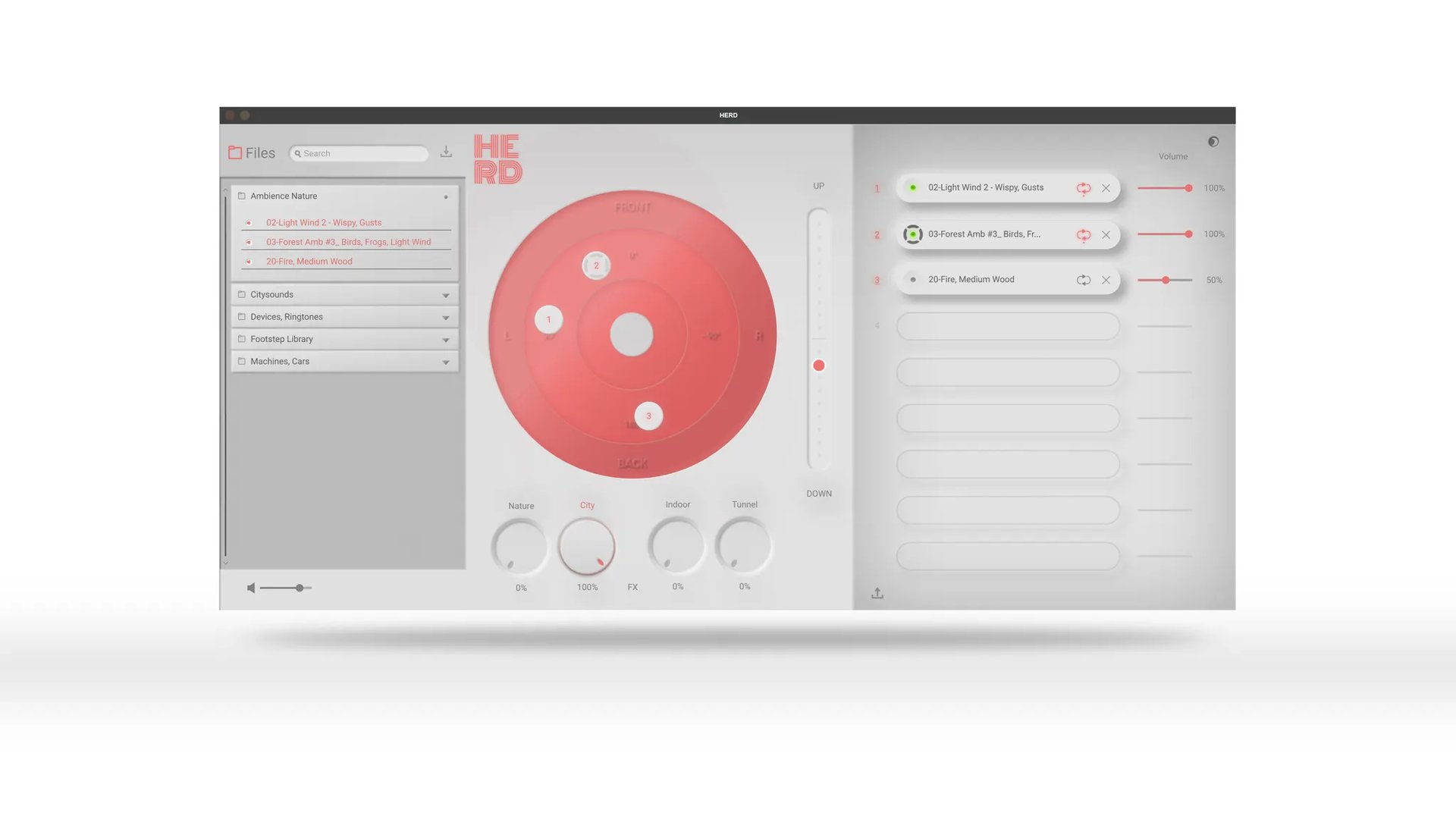
The association with the stove is revisited here through the orbit as a stovetop and the effects as stove knobs. At the same time, the recessed rings allude to sound waves, thus maintaining the connection to the theme of sound.
THE LOGO
The red color was deliberately chosen to create a connection to the red of the stove, but also to ensure it quickly catches the eye, as red is perceived as a color of danger. Its position is intended to guide the eye directly to the sound library, referred to as "Files" in the design.
LIBRARY
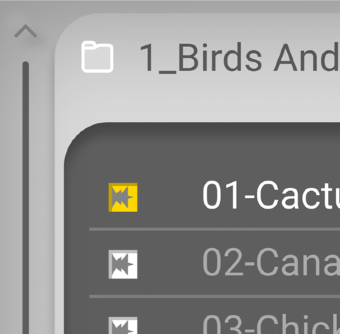
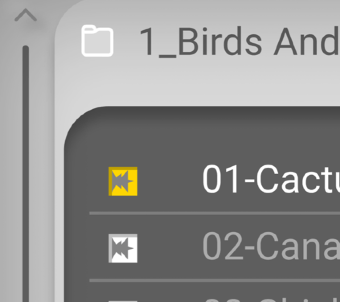
Folders with headings for the various sounds are listed. An arrow at the end of these bars allows you to expand and collapse the folders. Each sound has a small audio track icon attached to it, making it easier to distinguish them from the folder icons.
KNOBS
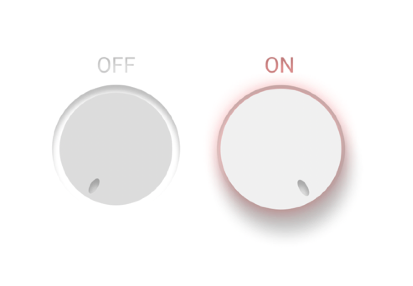
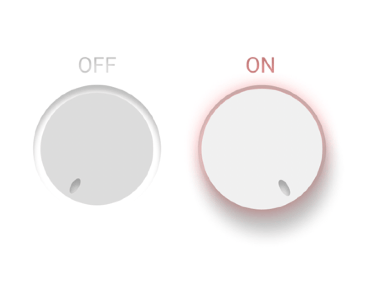
Activated effect controls light up and stand out from deactivated ones, as if you were pushing them in and out on a stove. When you switch to a different orb, the effect controls jump to the corresponding setting.


Colors
To keep the interface minimalist, too many colors will be avoided. Since one orb is always in focus, the use of a soft red signal color is sufficient. Black and white tones in varying shades will allow the surface to be divided into its sections.

Typography
The logo font is called “Monoton” and is inspired by the heating coils of a stovetop. The remaining text is displayed in ”Roboto” font, as this font is a standard for many apps and programs and is easy to use for many closely spaced words.
#575757
#DD9B9B
#D5D5D5

Process in figma
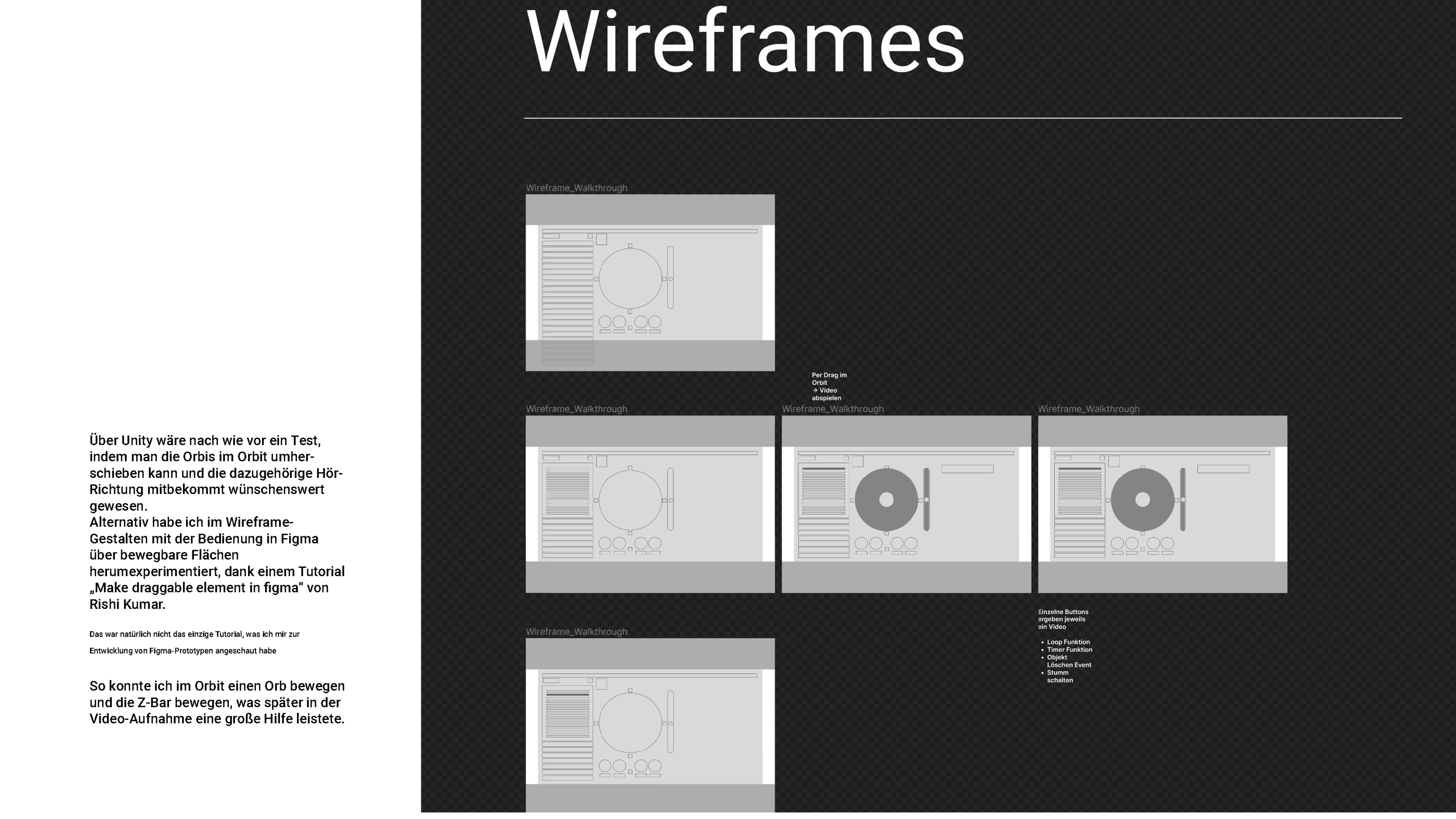
To demonstrate how to use this plug-in,
a Minimum Viable Product (MVP) will be created.
In this case, basic functions include using
the sound library,
an integrated sample pack of sounds,
inserting the sounds into the orbit,
adjusting effects.
Figma is a suitable program for assembling the components.
Mid-fidelity Prototype
This project aims to develop a user-friendly mobile application that enhances productivity and organization. Through intuitive design and seamless functionality, users can efficiently manage tasks, set reminders, and collaborate with team members.
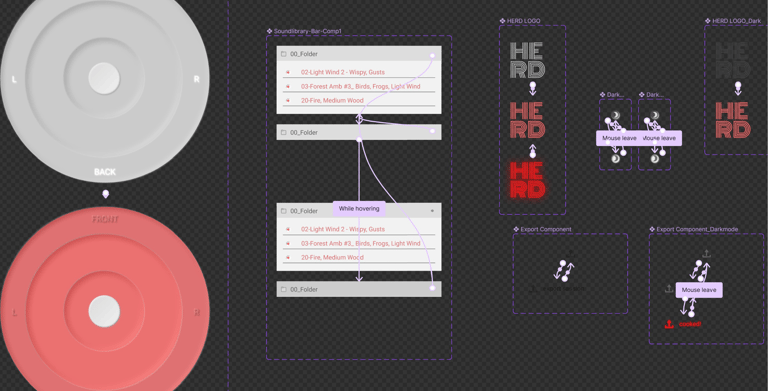
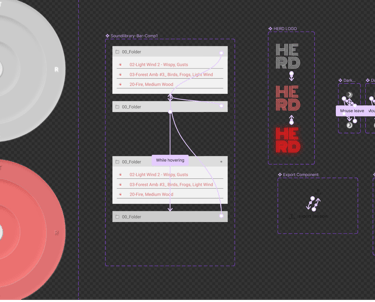
Component Systems
This project aims to develop a user-friendly mobile application that enhances productivity and organization. Through intuitive design and seamless functionality, users can efficiently manage tasks, set reminders, and collaborate with team members.
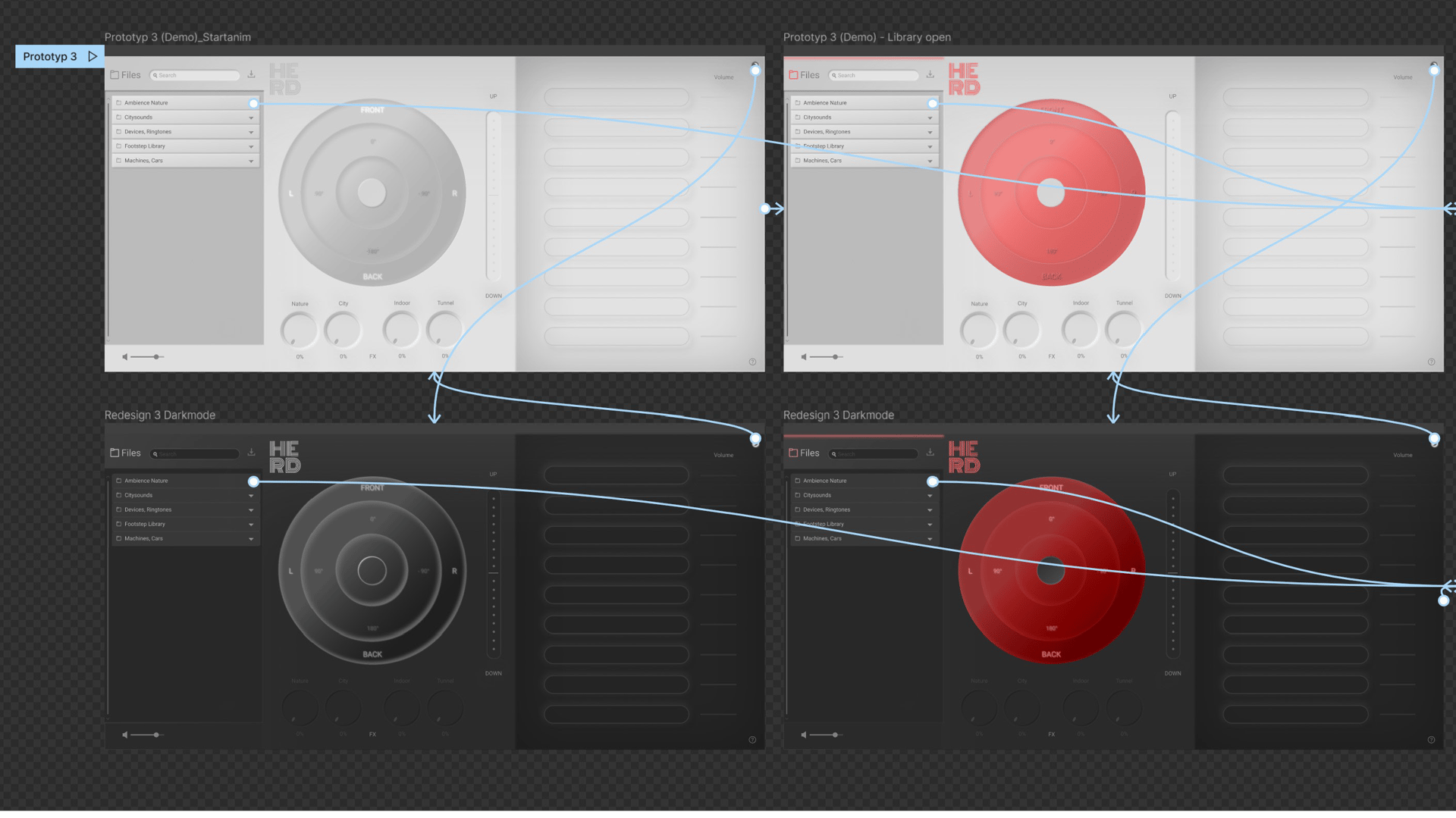
connecting all the dots
Final phase - Testing

This video is mute until 0:55 min